
Razorpay integration
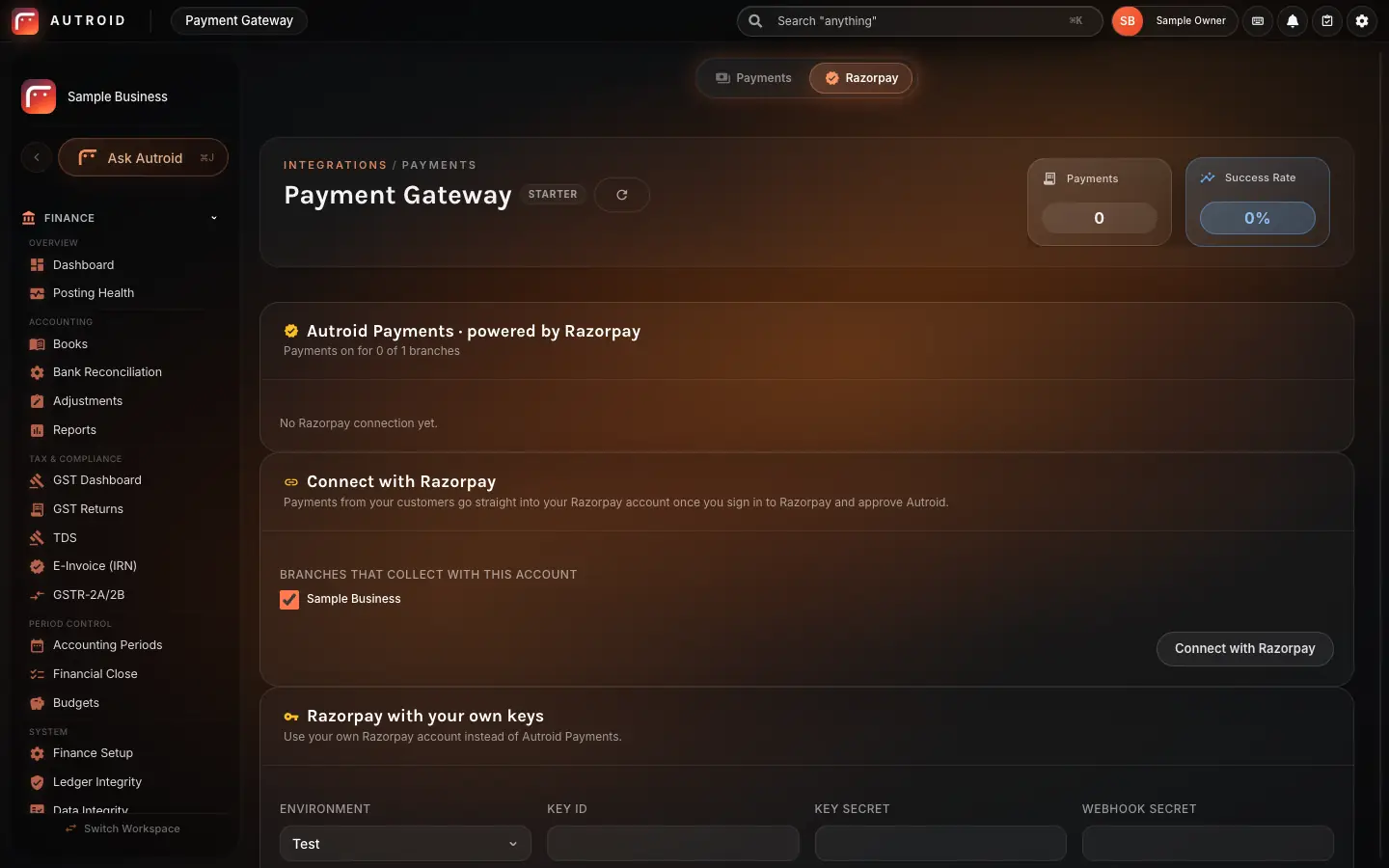
Connect your Razorpay accountPayments go straight into your books
Autroid is a Razorpay Technology Partner. Connect your existing Razorpay account to Autroid, collect online payments from customers, and let every successful payment get recorded in your accounts automatically.
The Razorpay connection is switched on for your business when you ask our team.
How it works
Awaiting payment
Shown with sample data
Where your customers pay
When a customer is ready to pay, they can do so from the invoice payment page or from a payment request link you send them. The payment itself happens on Razorpay's own payment page, so your customer enters their details there.
One branch or many
Whether you run a single location or a multi-branch group, you can connect your Razorpay account to Autroid. The integration works the same way for both.
Common questions
What does my business need before connecting to Razorpay through Autroid?
You need an existing Razorpay account. Once you have that, you can connect it to Autroid using the "Connect with Razorpay" button inside the software.
Which Autroid plans include the Razorpay integration?
It is available on every Autroid plan.
Where does the customer enter their payment details?
The payment happens on Razorpay's own payment page. Your customer enters their details there, not inside Autroid.
Do I need to enter payments into the accounts manually?
No. Each successful payment is recorded in your Autroid books automatically, without manual entry.
How do I get the Razorpay connection switched on for my business?
Ask our team through the "Talk to us" form or when you book a demo. We will switch on the Razorpay connection for your business and complete the setup with you. Once that is done, you can connect your Razorpay account using the "Connect with Razorpay" button inside Autroid.